Model source statement: The mouse 3D model shown in this work is derived from network download resources (not my original modeling). My core creation lies in the visual rendering expression of simple style and the delicate characterization of light color materials.
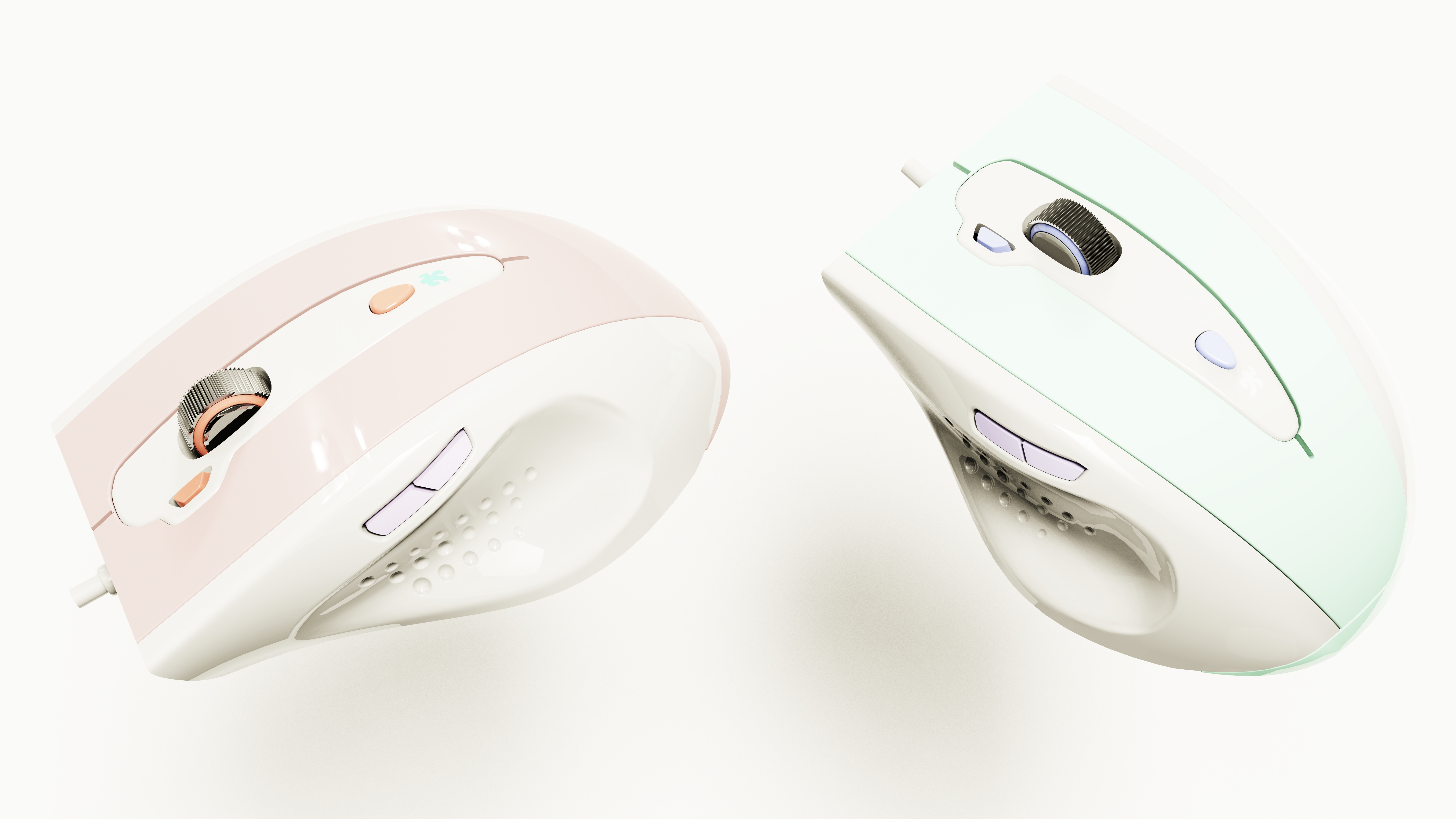
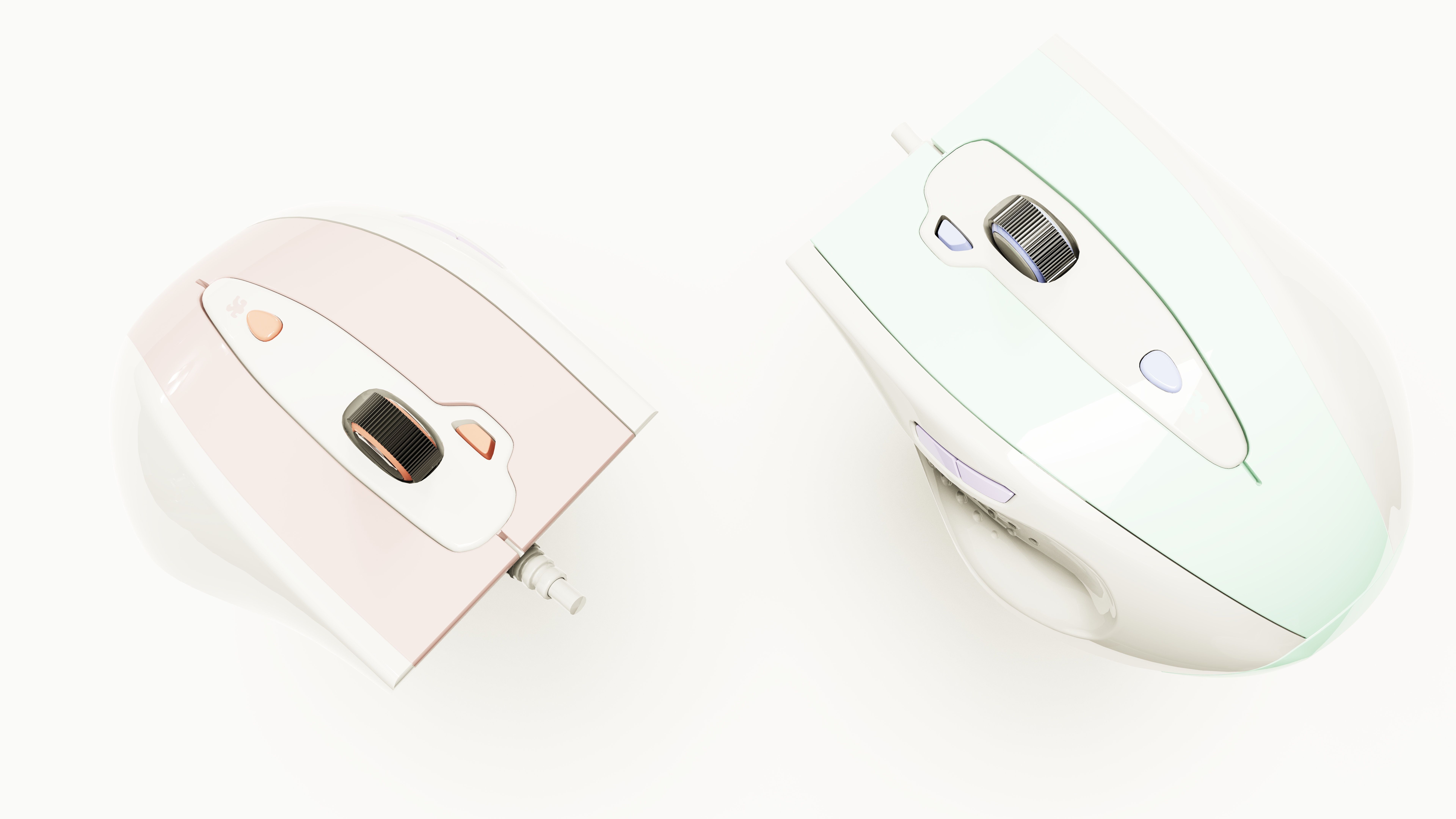
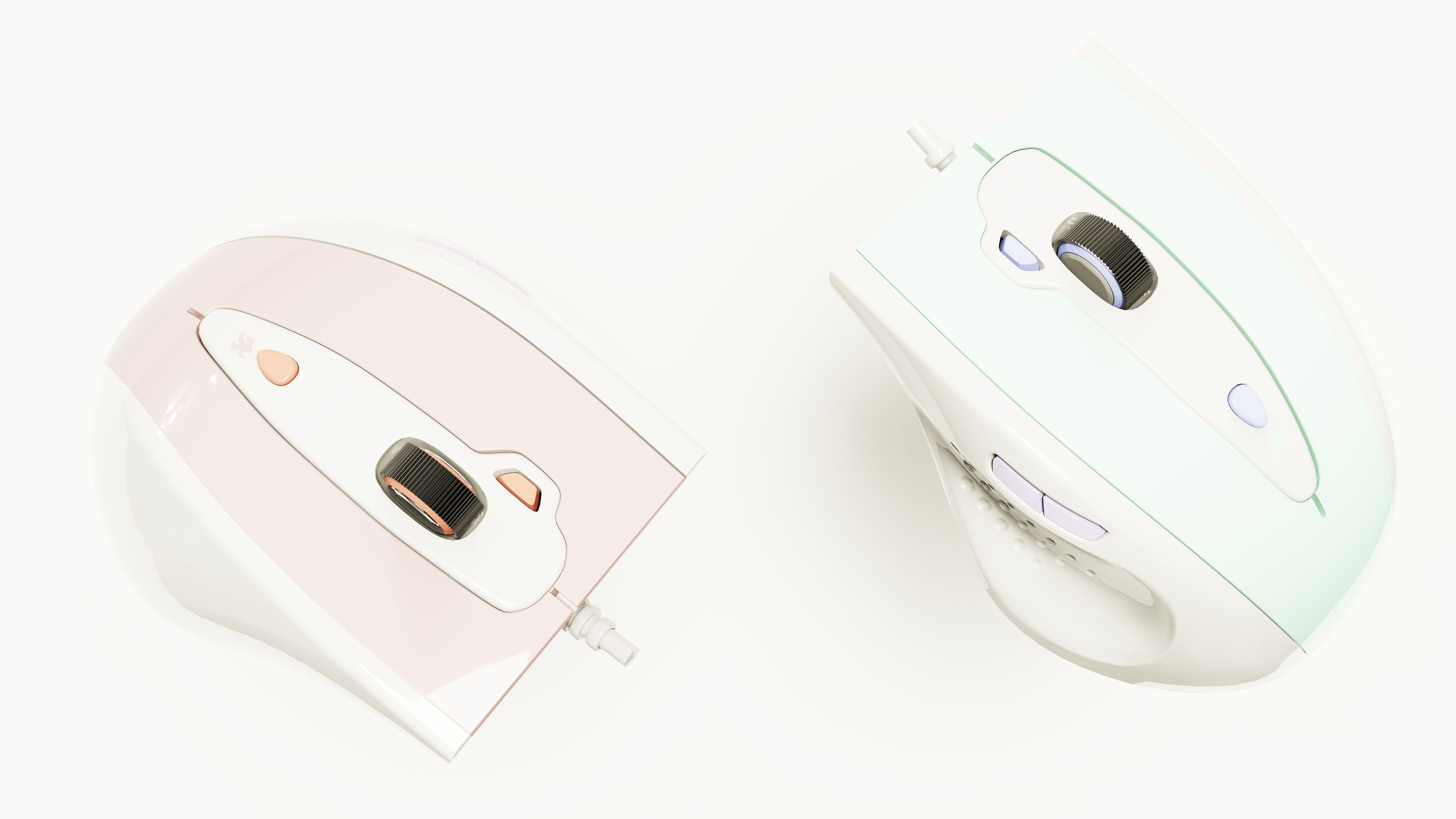
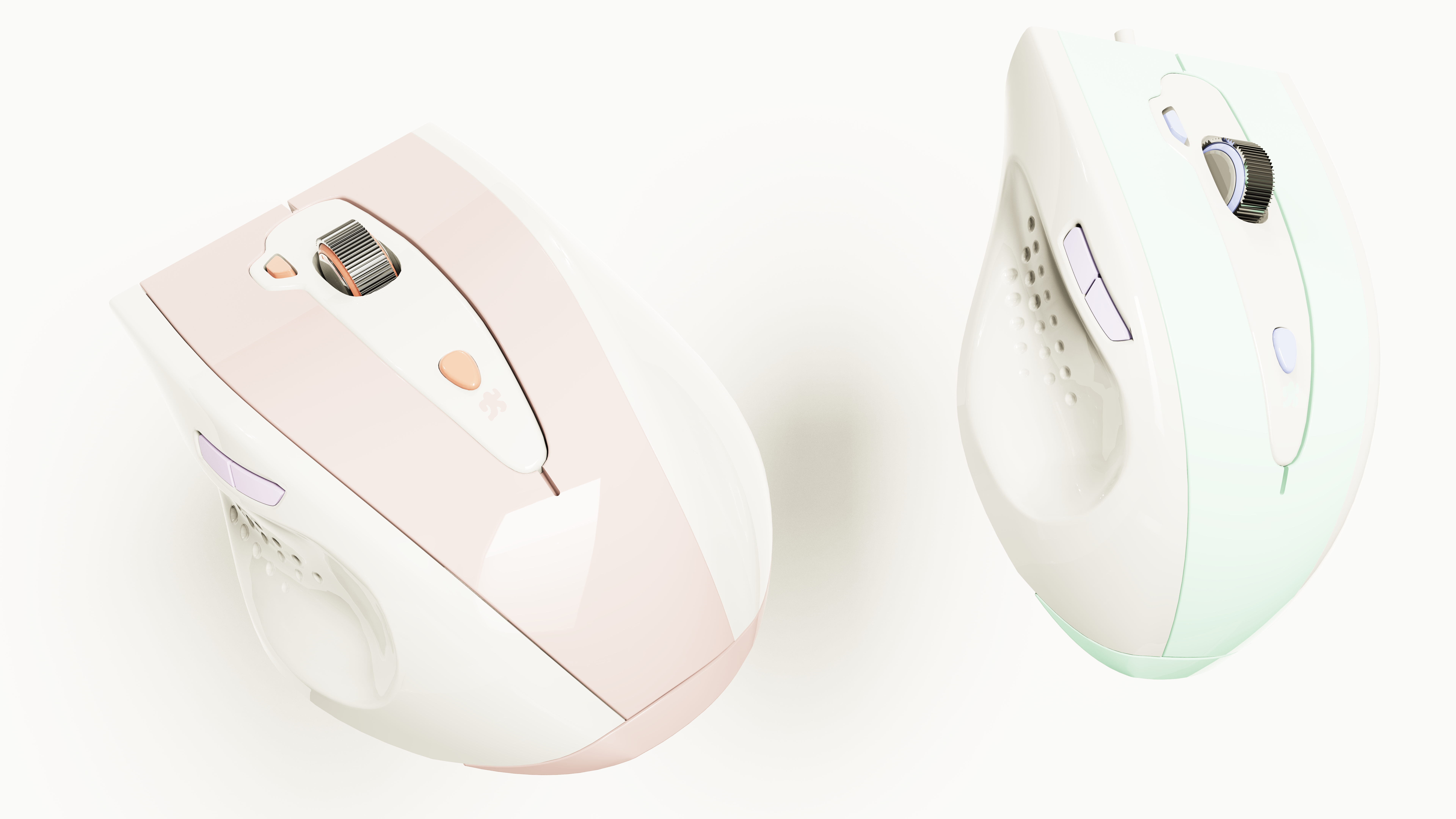
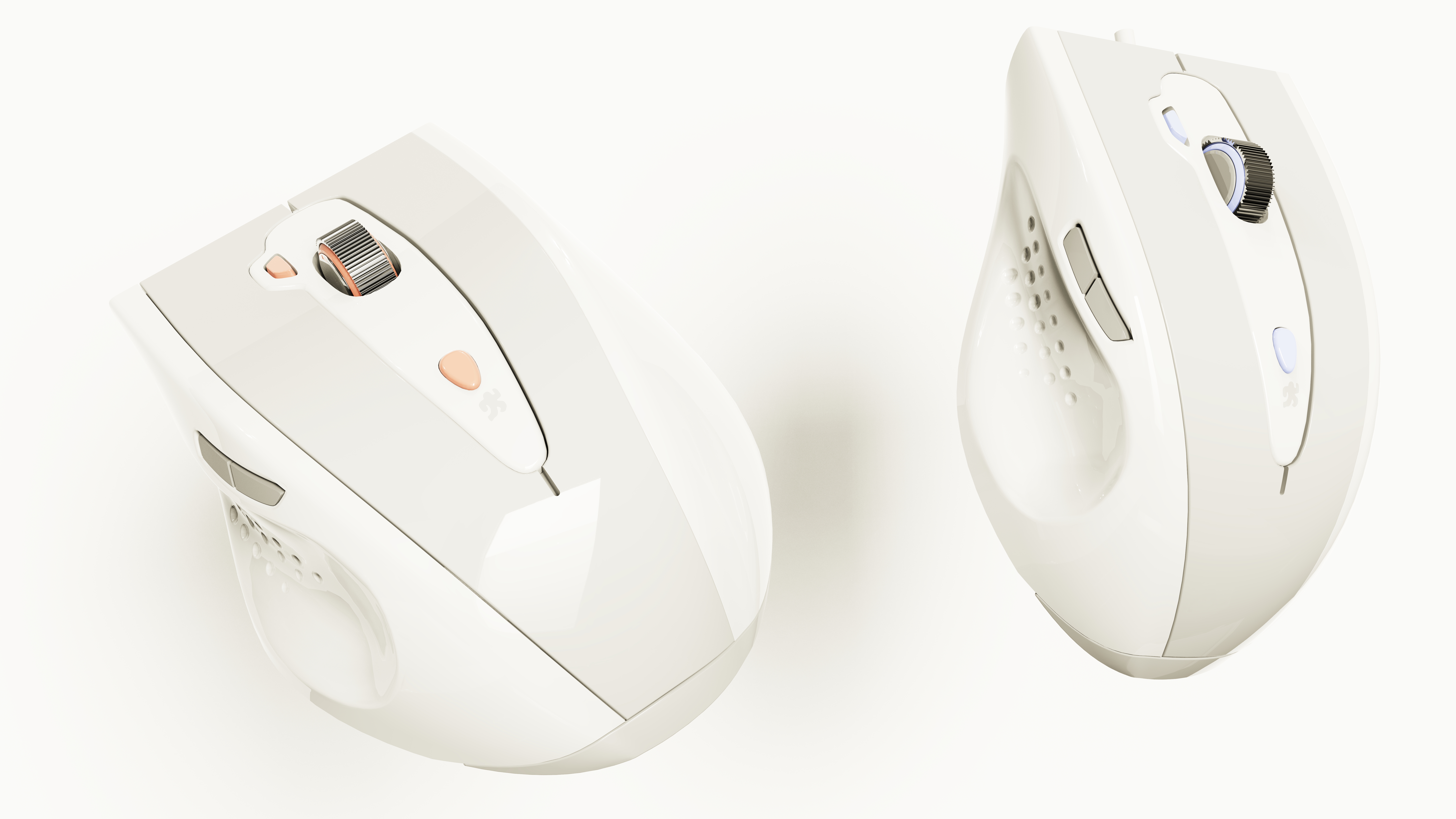
Rendering Description: In this exercise, I focus on using KeyShot to explore how to present the morphological beauty and material details of the mouse in a minimalist context:
Light-colored material levels and a sense of transparency:
Fine control of the mouse body light color shell warm white, cool gray, light sand color subtle texture, distinguish the specific texture, soft matte, delicate semi-matte, micro pearlescent surface, to avoid monotonous.
> * Focus on the performance of **light-colored materials in the light of the sense of transparency, to create a light, pure visual experience.
Precisely depict the subtle shadows and reflections at the details such as key gaps, roller grooves, and bottom interfaces to ensure that the structure is still clear and delicate in light tones.
simple light and shadow atmosphere shaping:
Use large-area soft light or low-contrast HDRI ambient lighting as the main light source to create a uniform, comfortable, non-oppressive light and shadow tone.
Skillfully use the weak edge light or reflected light to outline the smooth outline lines of the mouse, enhance the three-dimensional sense of the form and the sense of breathing, and avoid the "floating" of the picture ".
The overall light and shadow design is committed to the transmission of quiet, simple, modern product temperament.
Minimalist Composition and White Space Art: Choose a clean and focused composition: top-down view, low-angle side view, and maximize the concise and smooth modeling language of the mouse.
With almost pure white seamless background, extremely light beige texture background, create rich white space, strengthen the sense of breathing and advanced sense of the work.
The core of the composition is to "win more with less", so that the mouse itself becomes the absolute focus of vision.
Late refinement to enhance purity:
Fine adjustment in post software name Photoshop:
Unify and optimize the color tendency of light tones to ensure that the overall tone is harmonious and comfortable.
Tune the light and dark relationship to strengthen the key structural lines while maintaining the overall softness.
Improve the overall purity of the screen, remove noise interference, to ensure that the background transition is smooth and seamless.
Finely control the degree of sharpening, showing details without destroying the soft atmosphere.
>>
Purpose of creation: This work is my personal practice on the rendering performance of "simple design aesthetics". It focuses on exploring how to effectively convey the morphological beauty and quality of the product and improve the control ability of fresh style rendering through delicate material description, subtle light and shadow control and extreme composition blank in the context of light color system and minimalism.
Special note: "Thanks to the original model author for sharing". This work is only used for learning communication and rendering technology display. Welcome your predecessors and colleagues to put forward valuable opinions and suggestions on light-colored material performance, minimalist light and shadow atmosphere or composition techniques! Thanks to the platform.







good, good
I like this one
it's really beautiful