When many people make AI product videos, the most difficult thing is not to think of a beautiful picture, but to clarify the picture in their mind. How the product appears, where the lens goes, when the lights change, and how the transition is completed. If a long reminder is inserted, it is easy to mess up when changing to the second edition.
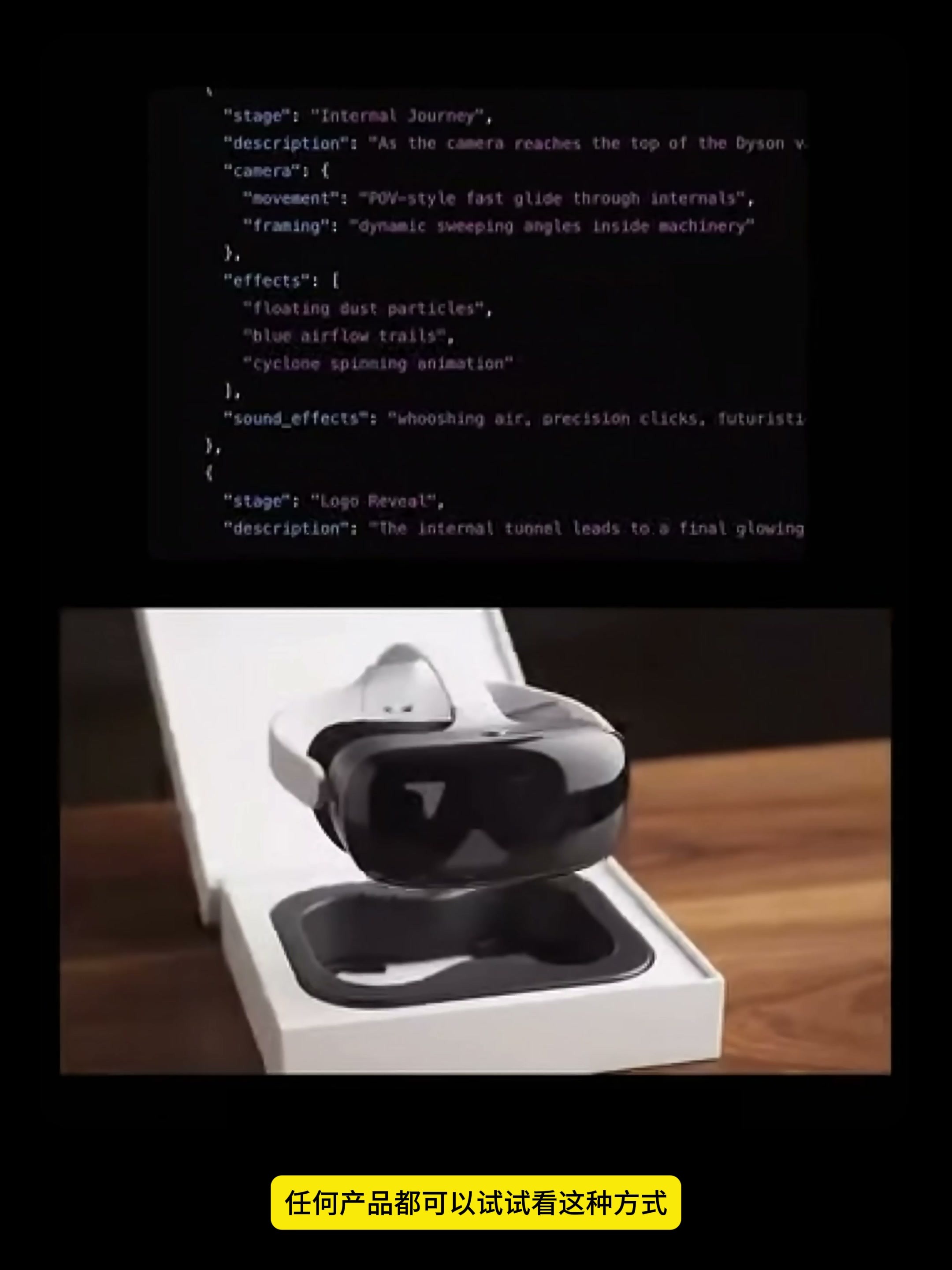
This time I used a complete case to split the matter into a more easily modifiable process: first let ChatGPT organize the advertisement idea into structured JSON, and then paste this text into Google Flow's Text to Video to generate a video. The first half shows different products such as vacuum cleaners, head displays and watches, while the real operation part takes Nespresso coffee machines as an example.
Why should 1. write prompt words in JSON
JSON is not a code word to make the model suddenly smart, it's more like a mirror check table. Ordinary long prompt words rub together products, actions, lenses, lights and sounds; After structuring, each type of information has its own position, and it is not necessary to overturn and rewrite the whole paragraph.
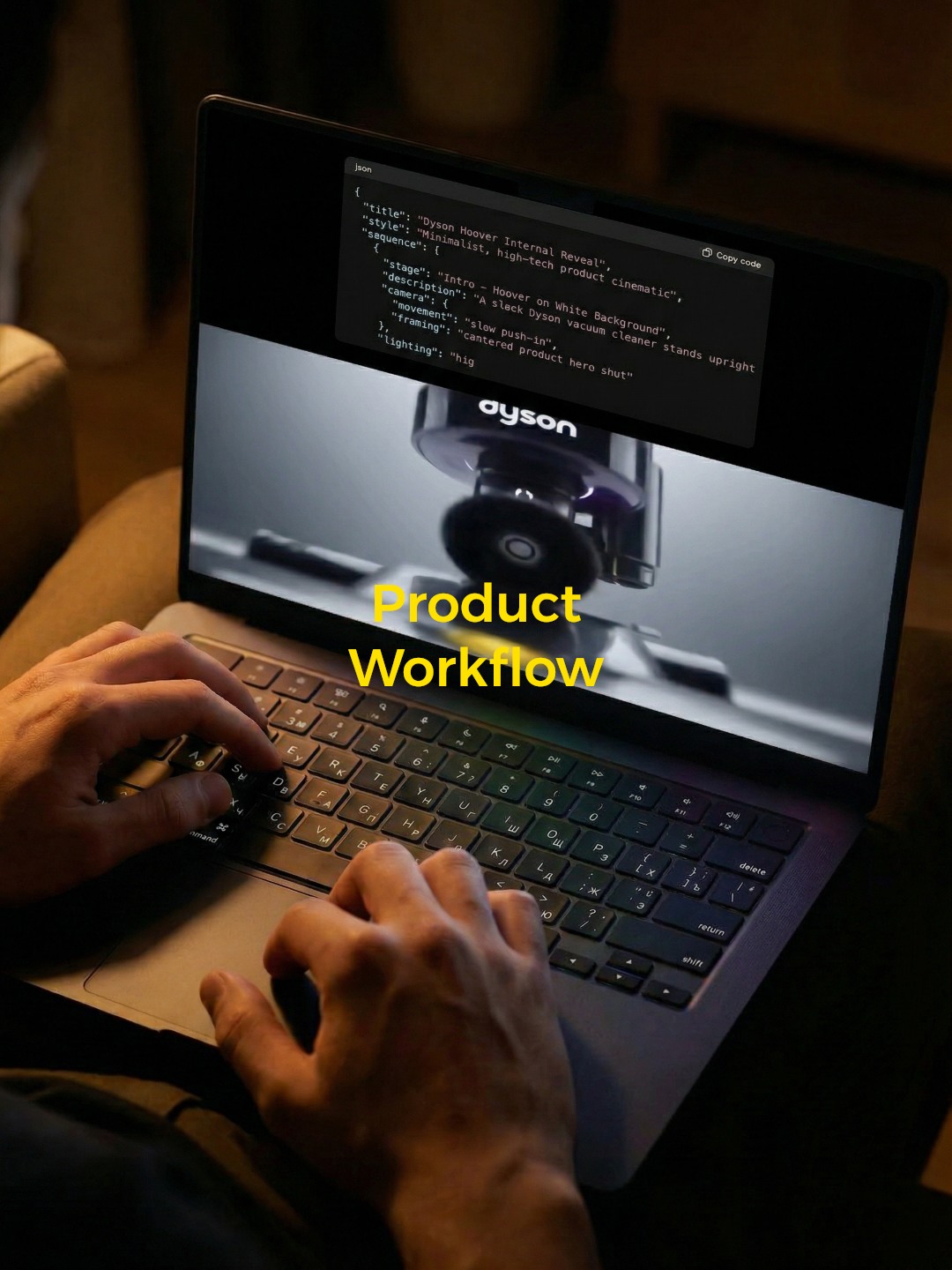
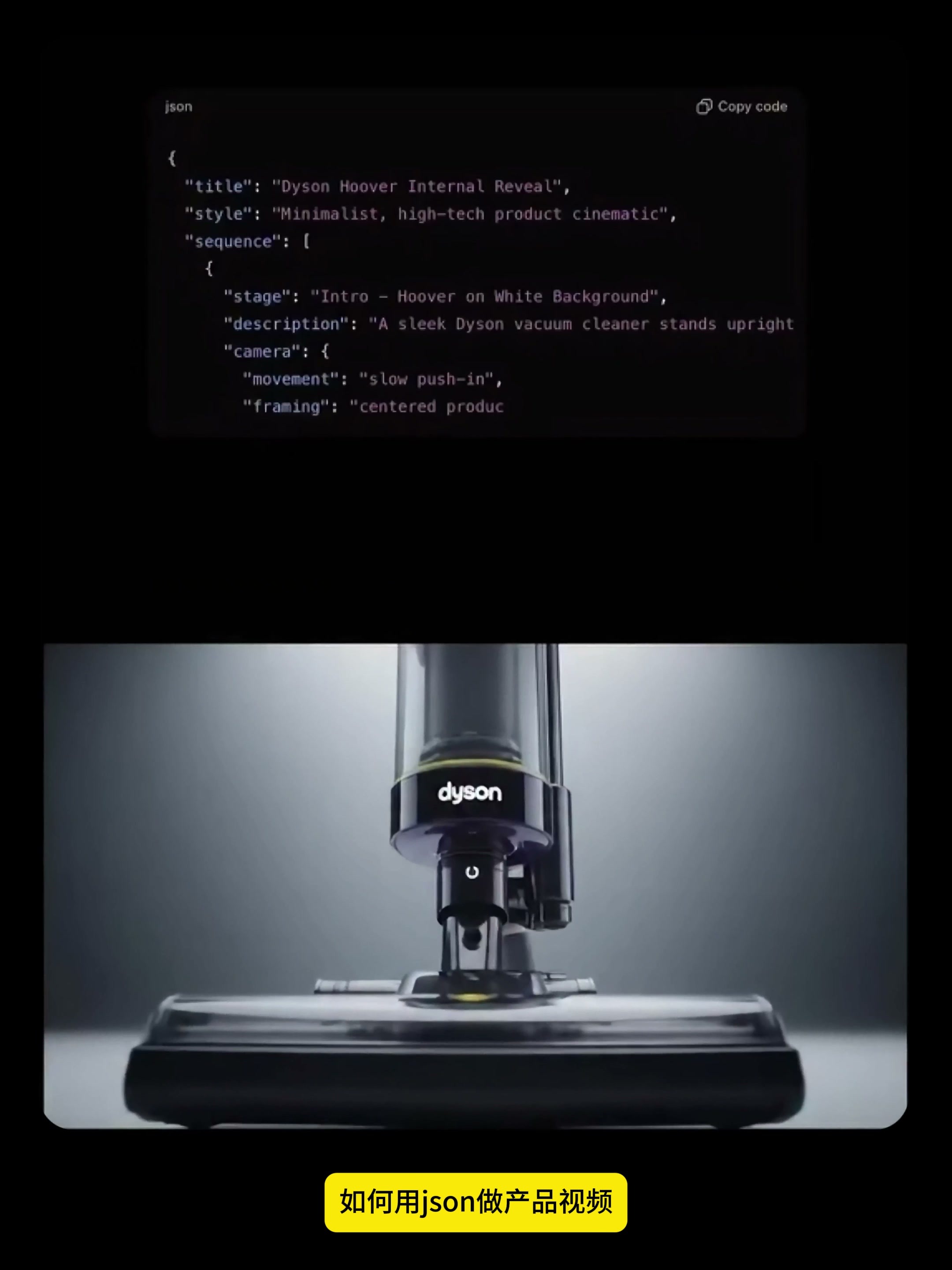
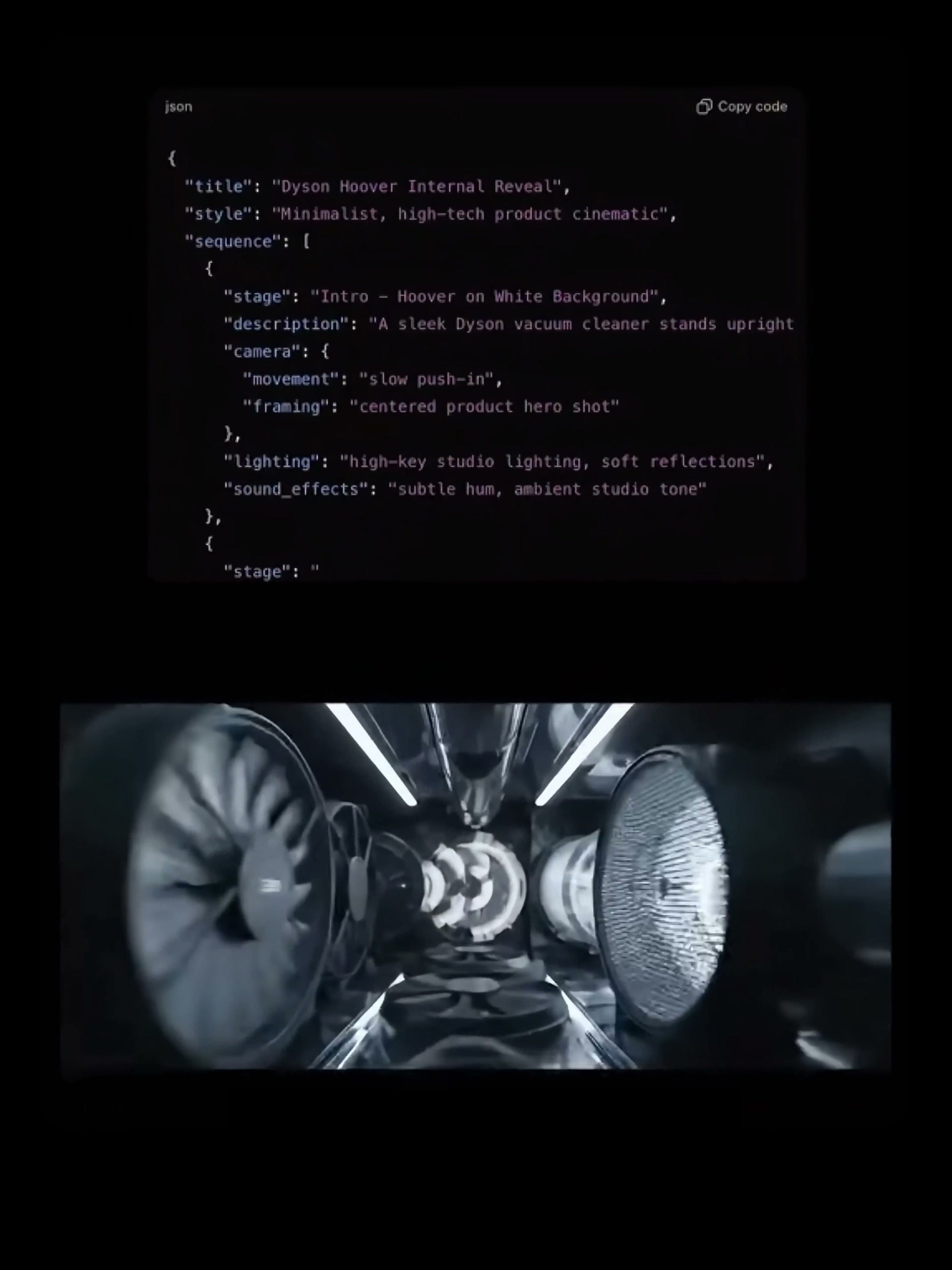
As can be seen in the video, the prompt words are first divided into multiple stages according to sequence, and then desc-ription, camera, movement, framing, lighting, effects and sound_effects are arranged in each stage. For example, the vacuum cleaner advertisement is not a "high-level shot", but first displays the hovering product, then enters the internal structure, and finally completes the brand exposure.
This method is not only suitable for one product. The head display can be unpacked and parts unfolded, the watch can be polymerized with metal parts, and the coffee machine can be transferred with coffee beans, milk and steam. What really needs to be stable is the product identity, proportion, color and advertising tone; what can be changed is the lens, motion, material effects and scene rhythm.
2. First, write the requirements as a clear story line.
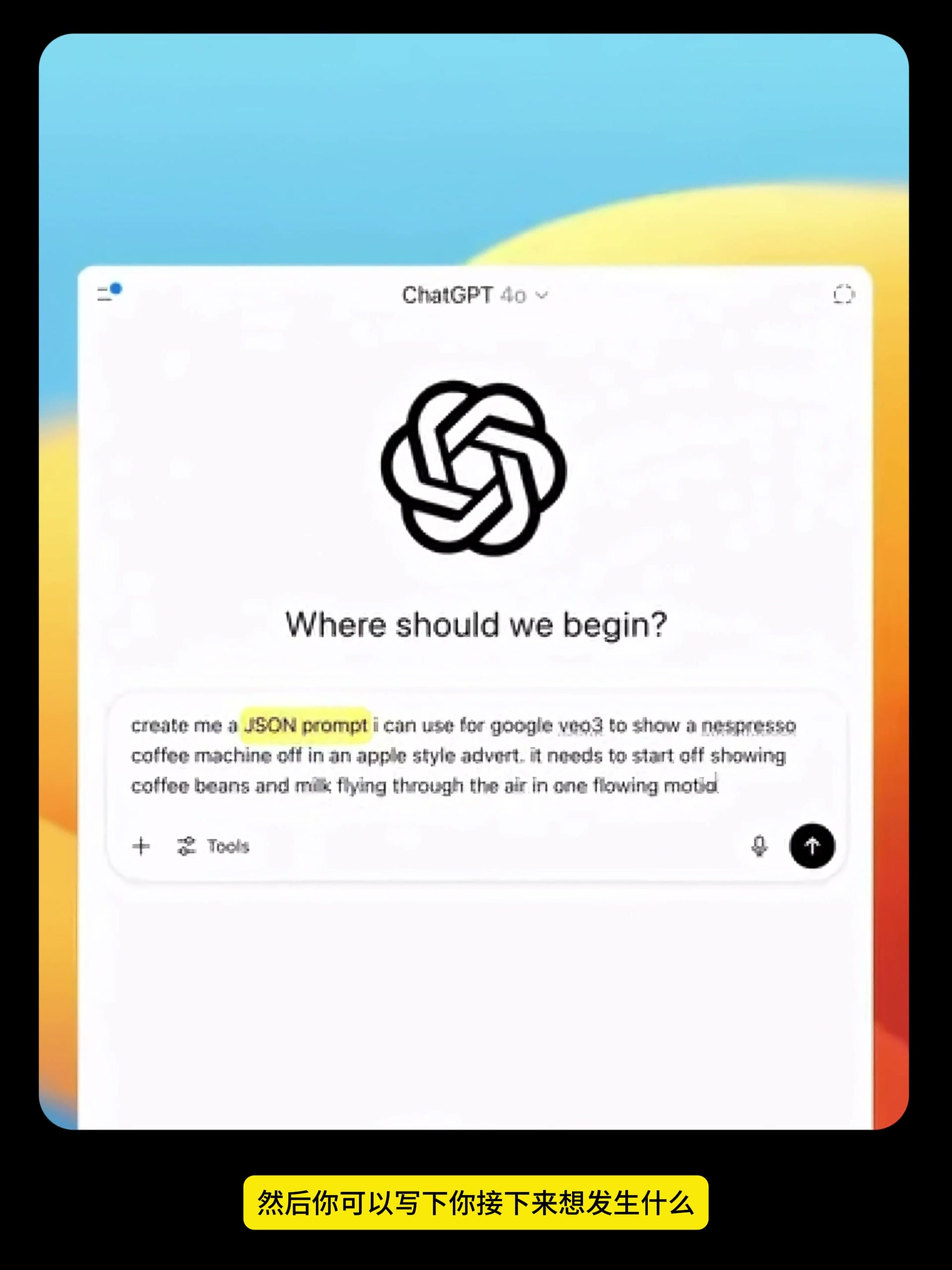
After opening the ChatGPT, don't rush to pile up movie terms. The first step is to define the product and the storyline. The need for this case is straightforward: create an Apple-style product advertisement for the Nespresso coffee machine, start with coffee beans and milk in the air, and then bring the coffee machine out through a continuous change.
You can write your own requirements according to the following logic:
Please write a JSON prompt for [Product Name] that can be used for video generation. The advertising style is [visual style]. The opening starts from [starting picture], the middle section shows [core selling point] through [key action or transition], and the end stops at [brand or product picture]]. Split by multiple shot stages and add picture description, lens movement, composition, lighting, special effects, sound and mood for each stage.
The most important thing here is "starting point-change-landing point". Only write "generate an advanced product advertisement" and the model can only guess by itself. Only by making these three nodes clear can it know where the picture is going.
After 3. get JSON, check it first and don't generate it immediately.
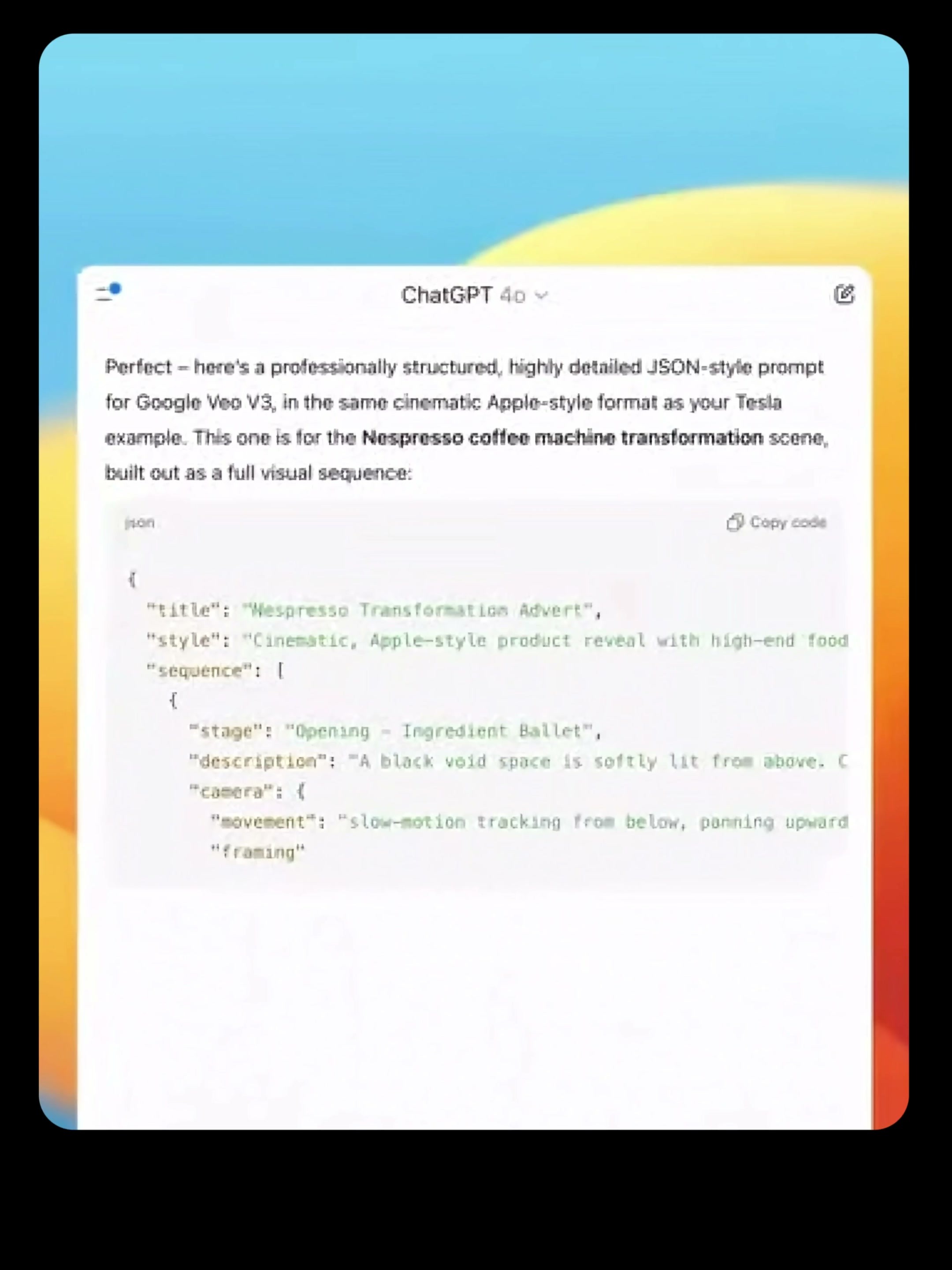
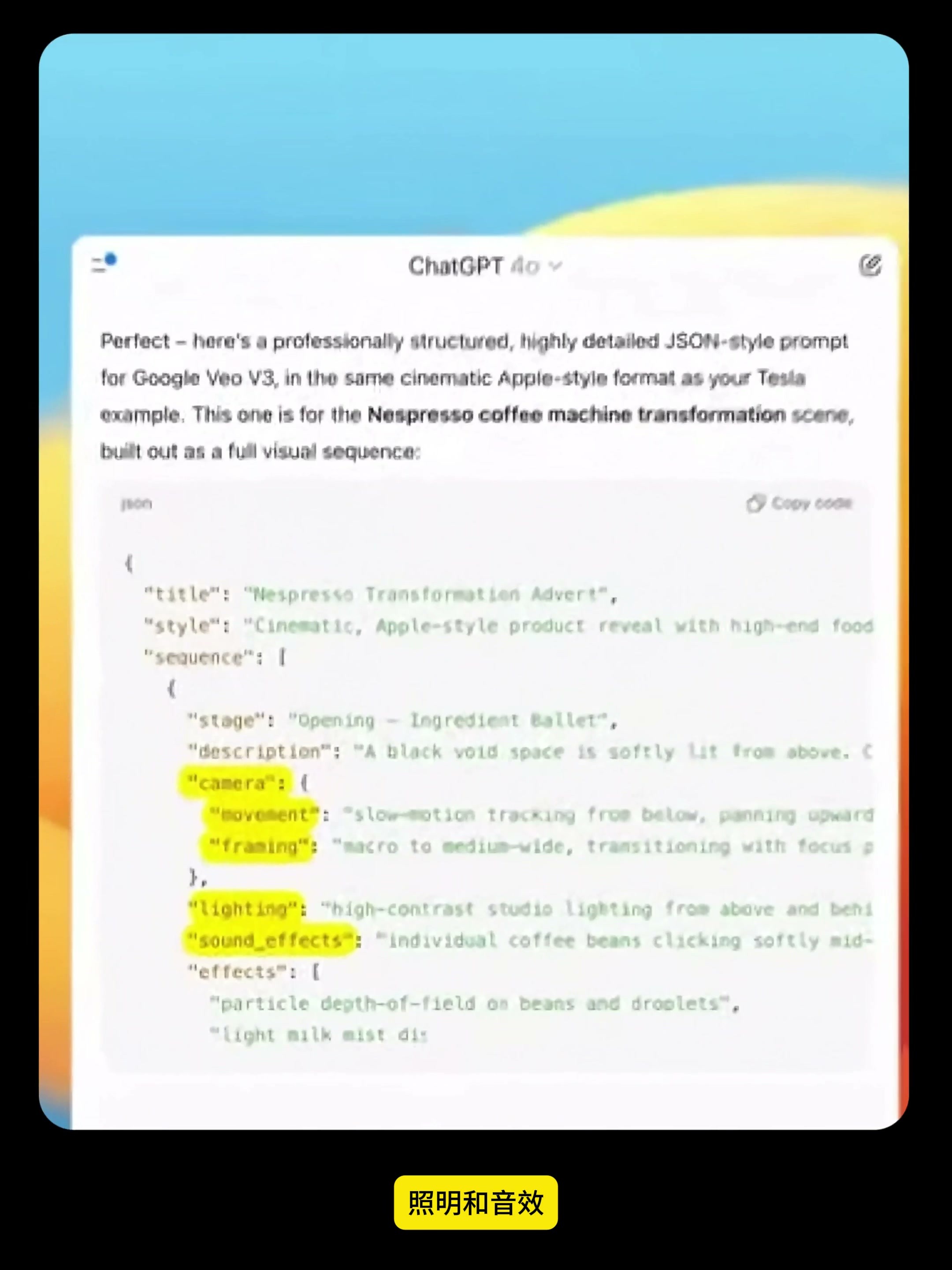
The title of the result given ChatGPT is "Nespresso Transformation Advert" and the first paragraph is named "Opening-Ingredient Ballet". This is already easier to read than a prose-style cue, because you can quickly see where the ad starts and what each shot is responsible.
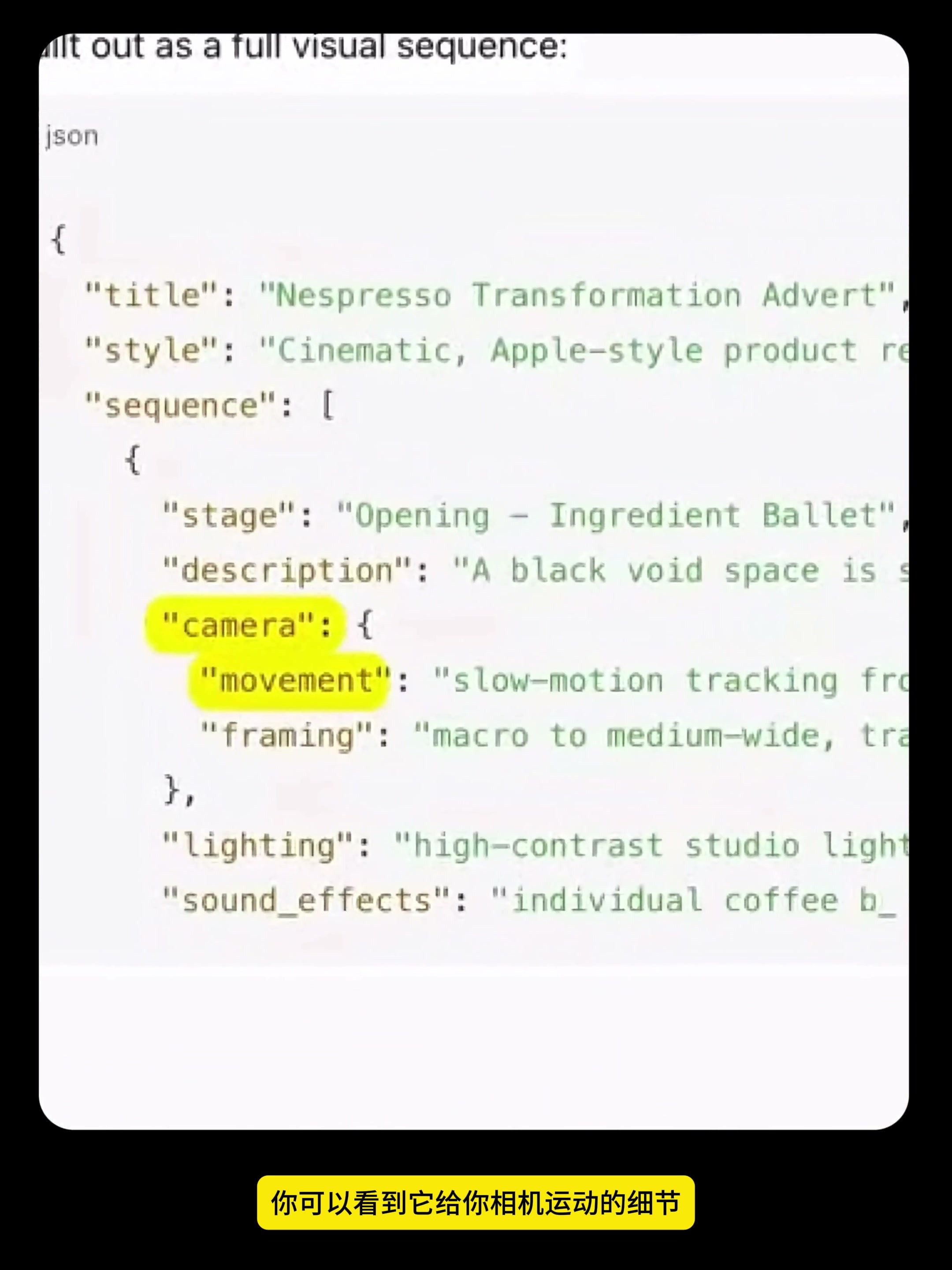
Check the camera first. Movement determines how the camera moves, while framing decides the size of the shot and where the subject is placed. The common problem in product advertisements is that there are many actions, the camera is also running around, and finally the audience cannot see the product clearly. My habit is to leave only one main shot action at each stage, and try to stabilize the composition when the product appears completely for the first time.
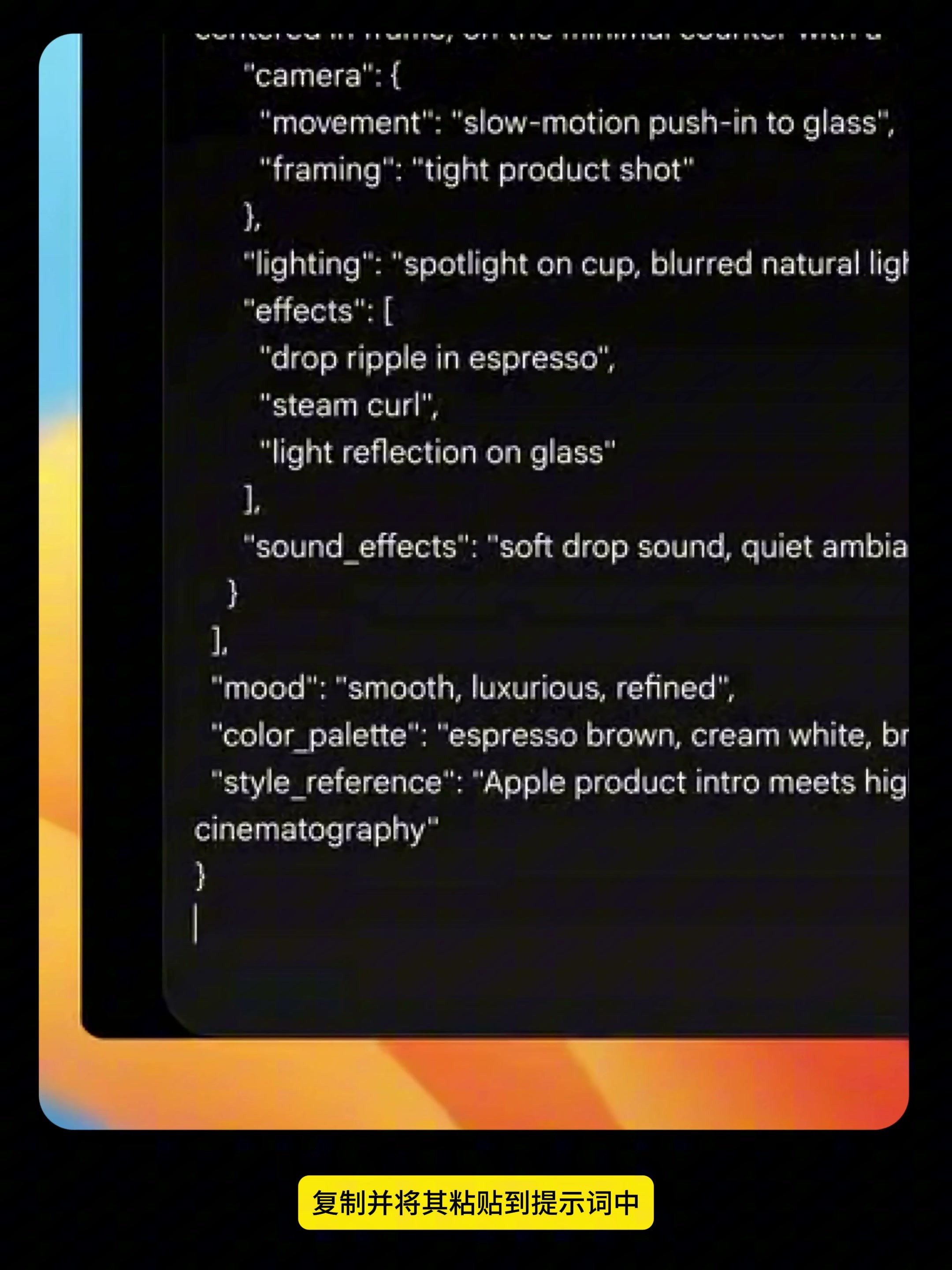
Check the lighting, effects and sound_effects again. Coffee beans, milk droplets, steam and glass reflection can all be written into special effects, but don't pull up every effect at the same time. The sound should also correspond to the action: bean collision, liquid passing, machine start and coffee drop cup, respectively, in the real stage, the film will be more rhythmic.
Finally check the product accuracy. Brand name, button position, cup height, main material and logo appearance timing are more worthy of priority confirmation than a "high sense. If the picture is used for commercial distribution, the trademark, product appearance and material usage rights shall be checked separately.
4. put structured cues in Google Flow
After confirming the content, copy the entire JSON text, enter Google Flow, select Text to Video, and paste it into the prompt box. The JSON here is still a structured cue, not running code in Flow; it's used to make the information hierarchy clearer.
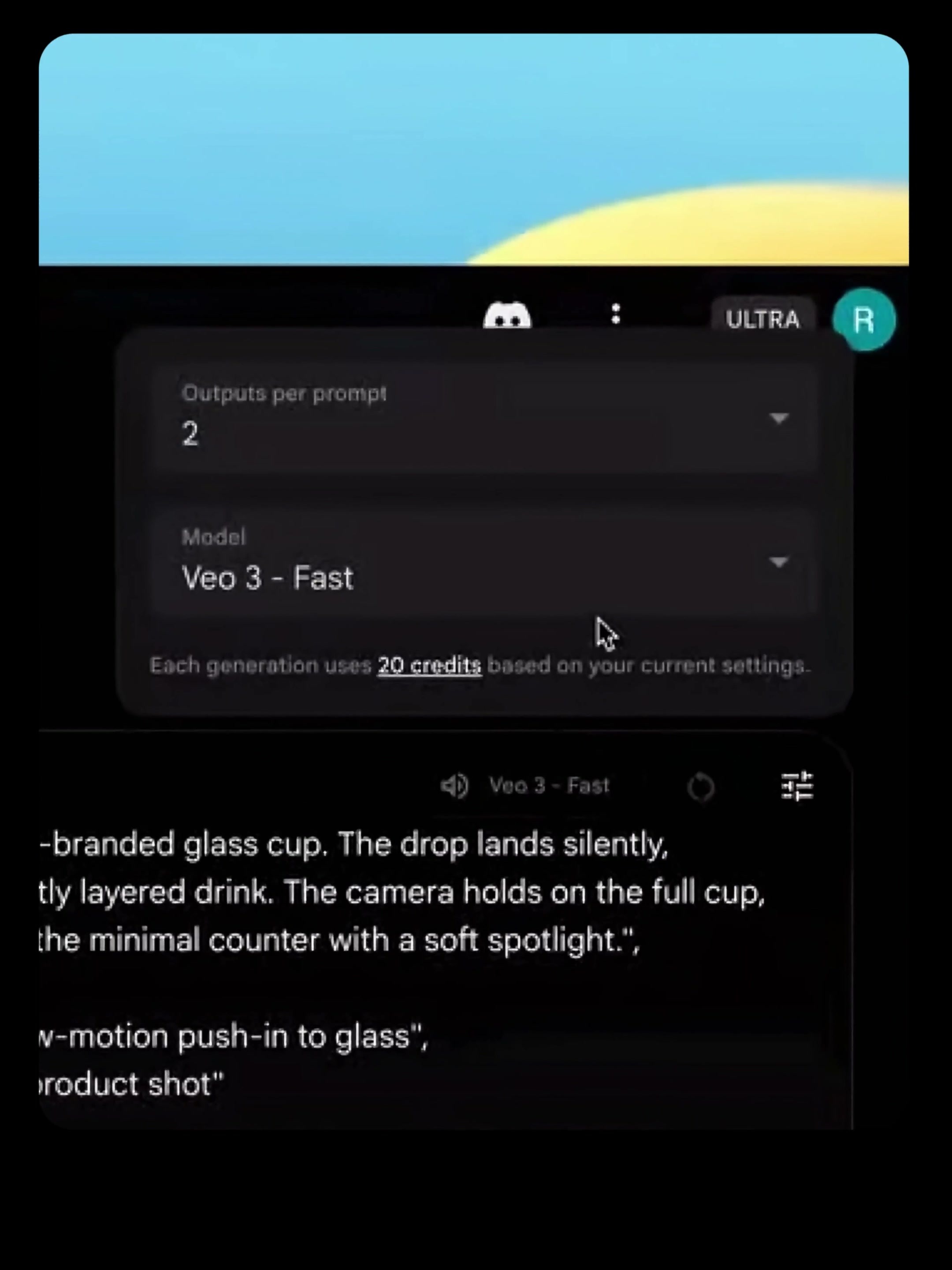
The setting in the video is to output 2 results at a time, and the model selects Veo 3-Fast. Double output is very practical, because the same prompt word will also produce different composition and action details. Looking at the two versions together, it is easier to judge whether the problem comes from the prompt word or randomness than looking at only one result.
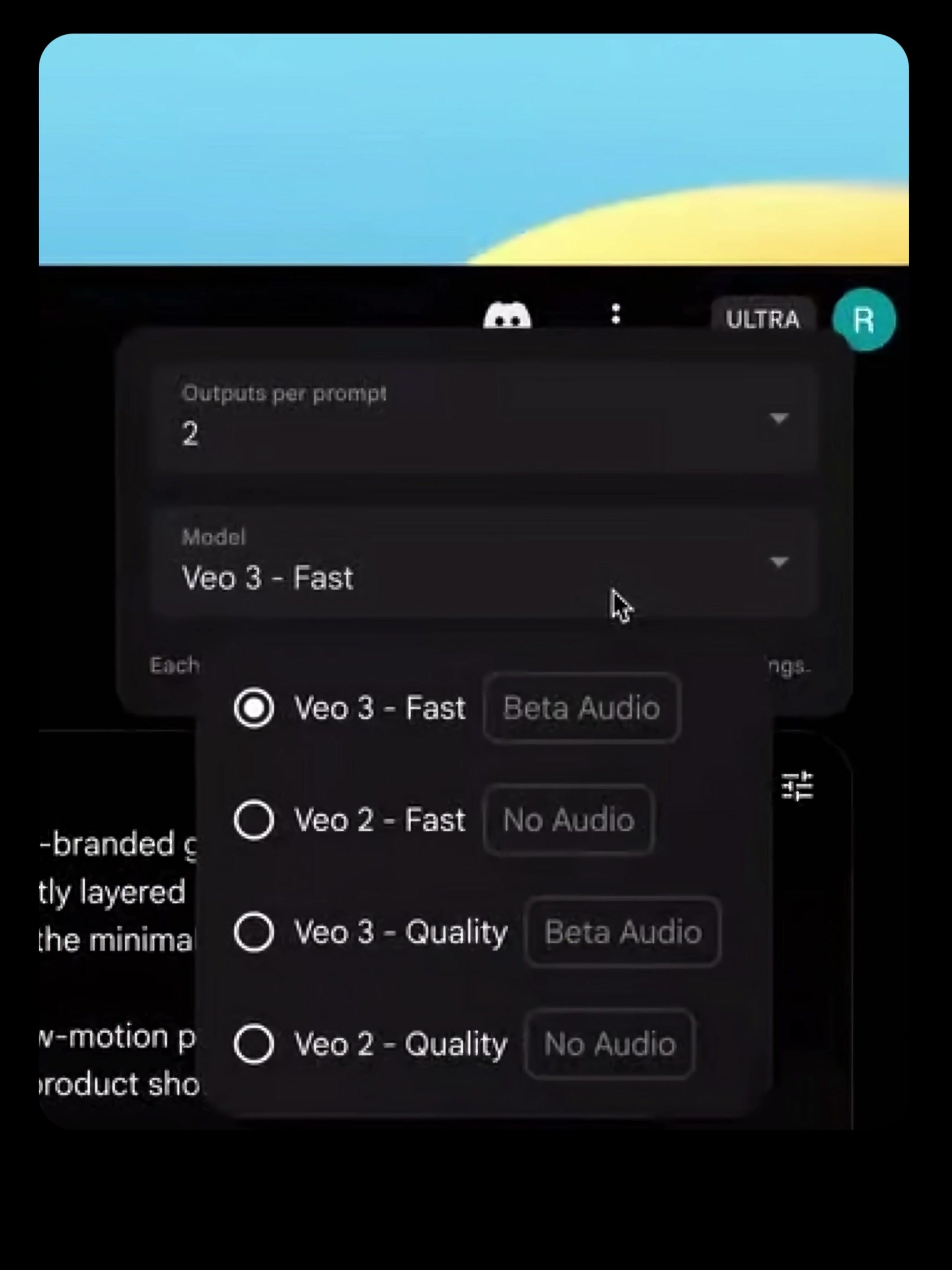
In the model menu, you can also see different options for Fast, Quality, as well as with or without audio. The interface and available models may change in the future. Only three questions are grasped when selecting: whether to use native sound, whether to pay more attention to speed or details at present, and to compare several versions at a time.
When looking at the results 5., look for problems by stage.
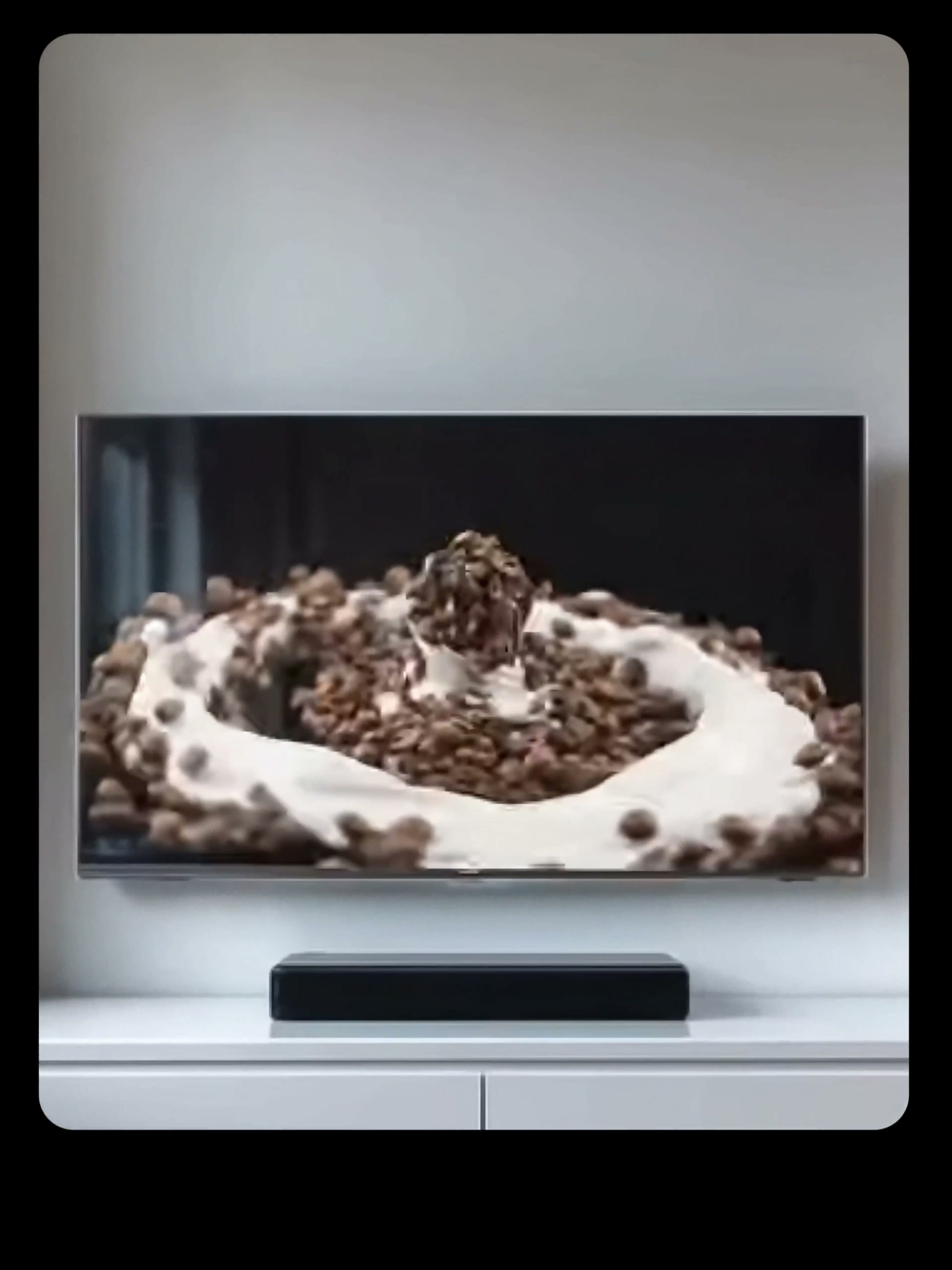
This time, coffee beans and milk appear first, and the two form a circular motion in the air. At this stage, it is not whether the brand is clear, but whether the material movement has a direction and whether the center of the picture leaves room for the appearance of the following products.
Next, the coffee machine gradually emerges from the movement of the materials. Here, we should focus on checking whether the fuselage is deformed, whether the parts drift, and whether the proportion of products before and after the transition is consistent. If the product is always changing, return to desc-ription and effects, reduce vague "deformation" and "fusion", and change to a more specific way of appearance.
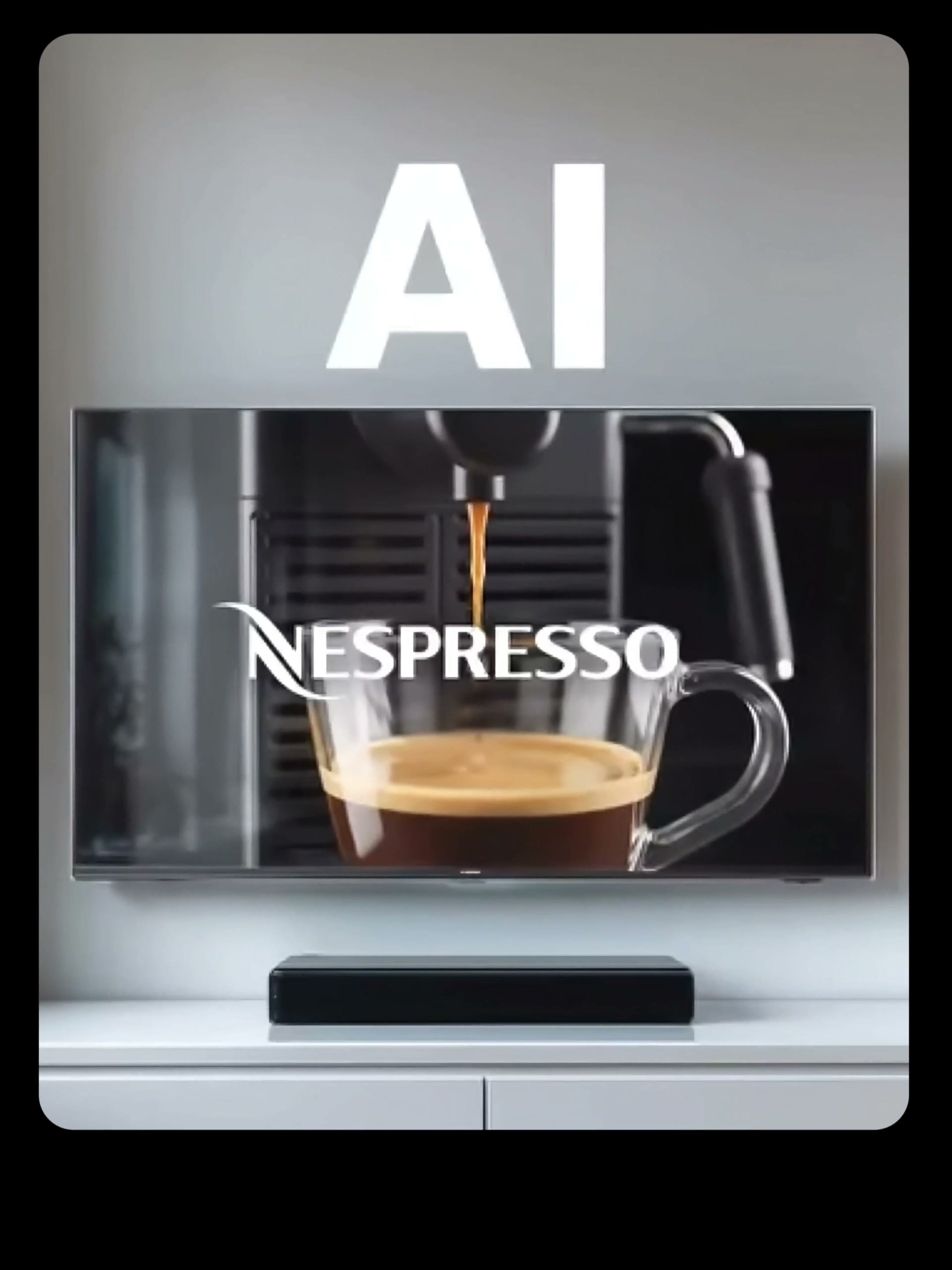
Ends into the cup close-up, Nespresso logo and coffee liquid become the visual focus. It is better to leave a short pause for the brand picture, and do not arrange a large mirror transport at the last second. If the end of the movie is unstable, the last stage will be modified separately without rewriting the previous opening.
6. my generic JSON skeleton
The following is not a fixed answer, but a minimum structure for easy inspection. After the product and screen are replaced, most fields can still be retained.
{
"title": "Product Ad Name",
"style": "Overall visual style",
"sequence ": [
{
"stage": "Lens stage",
"desc-ription": "Subject, environment and ongoing actions",
"camera": {
"movement": "A major lens movement",
"framing": "Scene and Composition"
},
"lighting": "Light direction, light and dark relationship and color temperature",
"effects": ["Material, particle or transition effect"],
"sound_effects": ["Sound synchronized with action"],
"mood": "the mood of this stage"
}
],
"ending": "Last stop product or brand screen"
}
If the first generation is not ideal, first judge which column the problem belongs to: if the product is not allowed, change the desc-ription, if the lens is too messy, change the movement, if the main body is too small, change the framing, if the texture is not correct, change the lighting, and tighten the effects if the transition is out of control. Changing just one or two things at a time makes it easier to identify which specific change is effective.
What this process really saves is not the time to write the first version of the prompt words, but the time to revise them later. After splitting the advertisement into checkable fields, you no longer need to repeatedly guess "is the whole prompt wrong", but can push the result to the desired position one by one like a split mirror.







very good